
Introduction
Images play an important role in website design, but large image files can significantly slow down page loading speed. Slow websites often lead to higher bounce rates, lower user engagement, and reduced search engine visibility. Many website owners upload high-resolution images directly from cameras or design tools without optimizing them, which increases page size and affects overall performance.
This creates a common challenge: how do you maintain image quality while reducing file size? Without proper compression and resizing, websites can become heavy and difficult to load, especially on mobile devices or slower internet connections. Fortunately, several free online tools make image optimization simple and accessible.
We share helpful, easy-to-understand resources related to image optimization and web performance. Our goal is to guide users toward reliable online tools for compressing and resizing images, helping improve website speed and overall user experience. The information provided here is for educational purposes and highlights popular image tools with their basic features and limitations, so users can choose what best fits their needs.
Below is a list of websites where you can compress or resize your images. Click on the titles to visit the official websites and explore their features.
1) Bulk Resize Photos
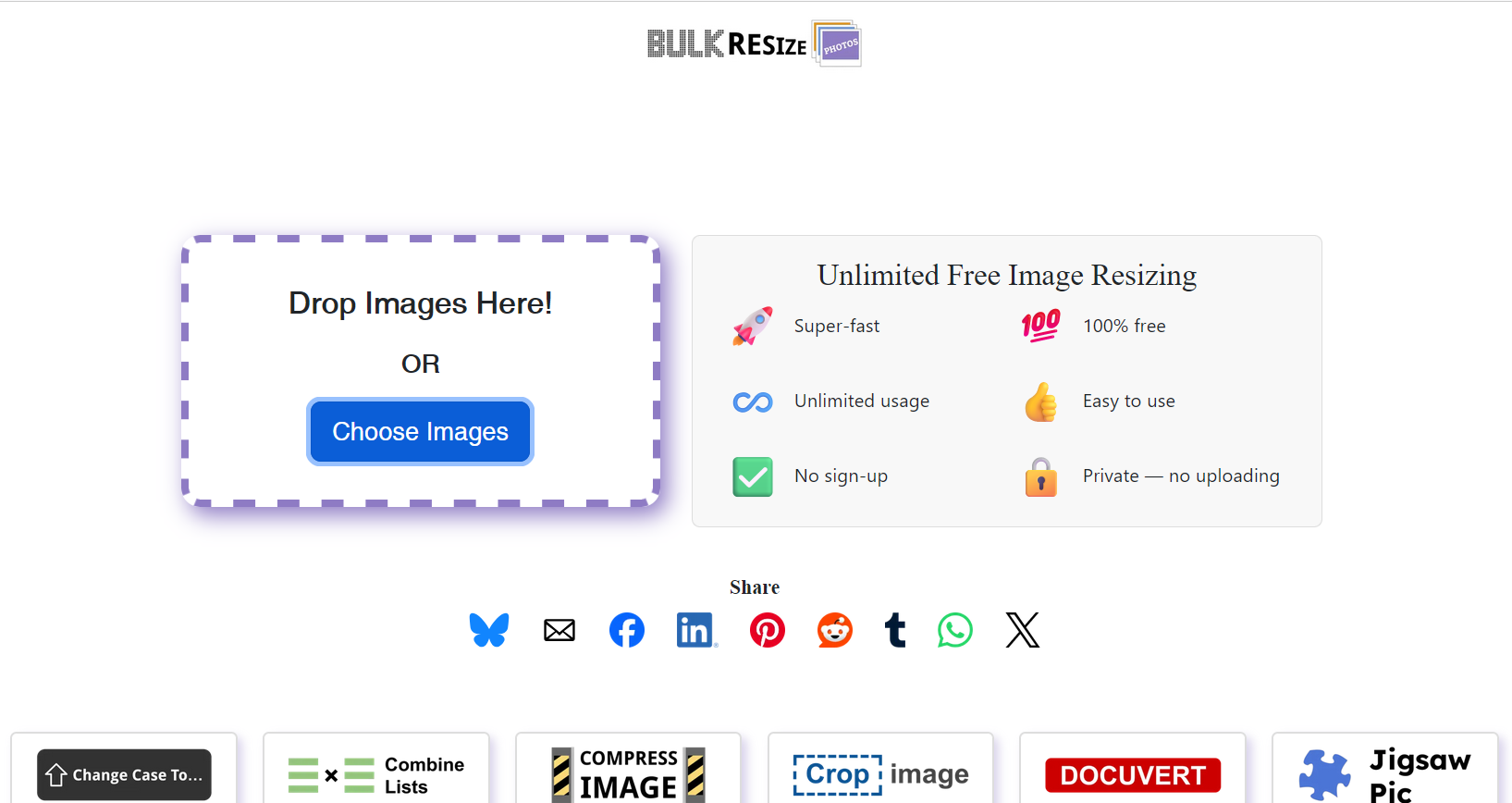
Bulk Resize Photos is a free browser-based tool that allows users to resize and compress images in bulk. One of its main advantages is that it processes images directly in your browser, which helps maintain privacy and reduces upload time.
This tool is useful when you need to resize multiple images quickly for blog posts, e-commerce listings, or social media uploads. There is no strict limit on individual image size in the basic version, making it flexible for large images. It is ideal for users who want simple resizing and compression without creating an account.
2) TinyPNG
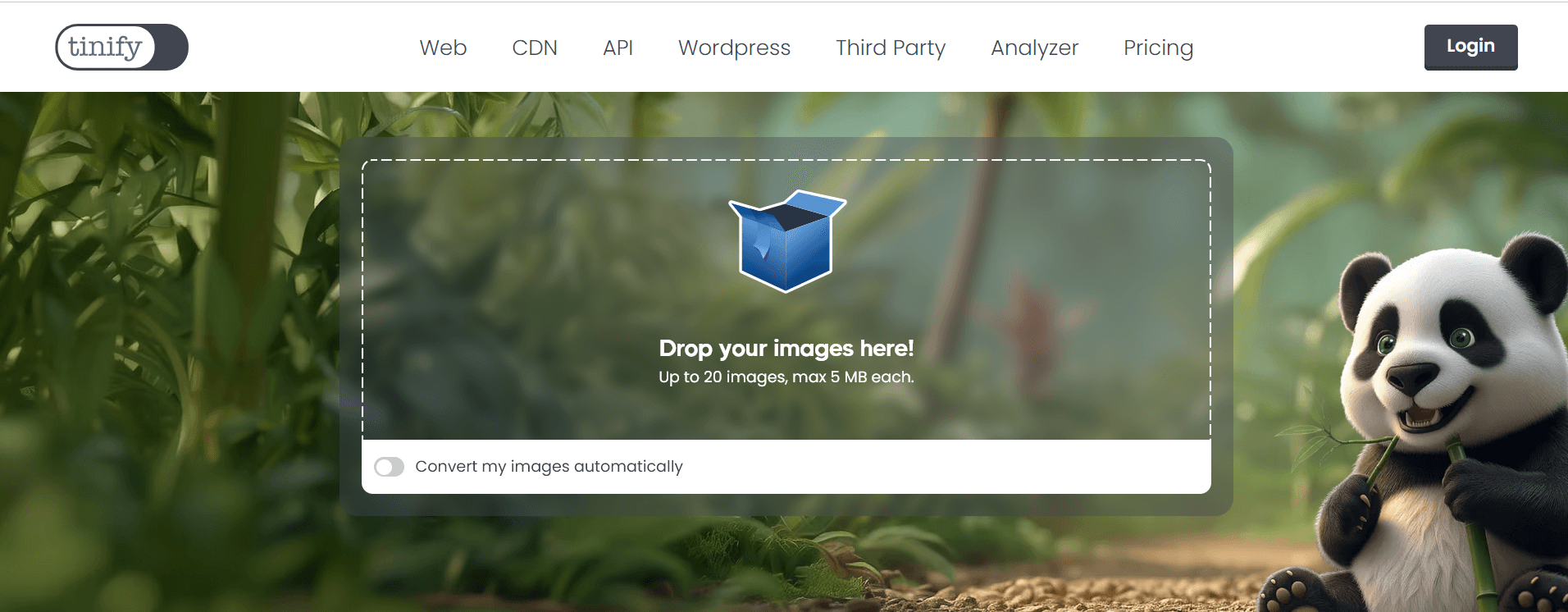
TinyPNG is one of the most well-known image compression tools online. It supports WebP, JPEG, and PNG formats and uses smart compression techniques to reduce file size while maintaining visual quality.
The free version allows up to 20 images per batch, with a maximum file size of 5MB per image. For larger or more frequent uploads, paid plans are available. TinyPNG is commonly used by bloggers, developers, and businesses aiming to improve website loading speed without sacrificing image clarity.
3) Compressjpeg
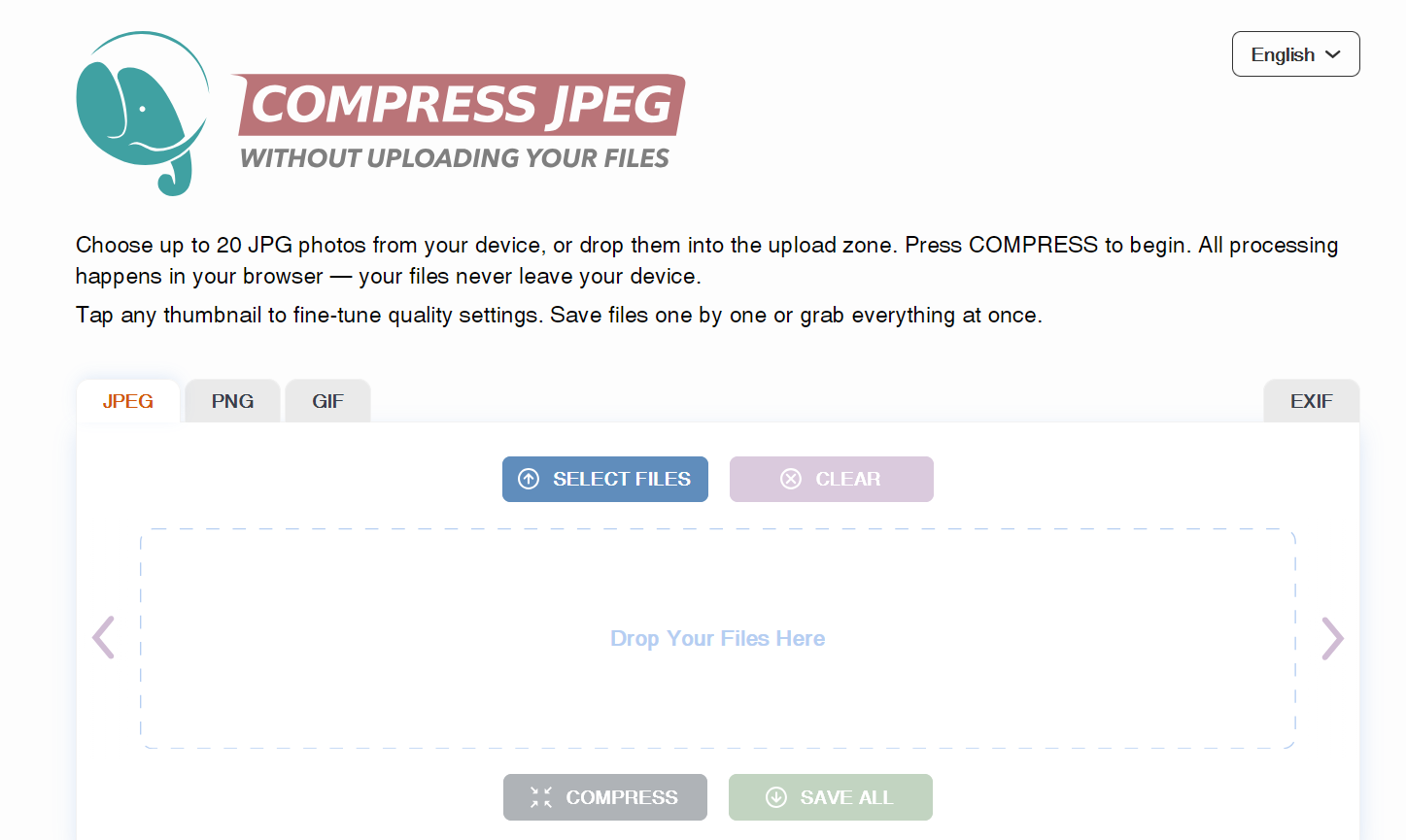
Compressjpeg focuses specifically on compressing JPEG images. It also connects to related platforms like CompressPNG and CompressGIF, which support other file formats.
The platform allows up to 20 images per batch and is suitable for users who primarily work with JPEG files. The interface is simple and easy to navigate, making it accessible even for beginners. It is a good option when you need quick compression without advanced editing features.
4) iLoveIMG
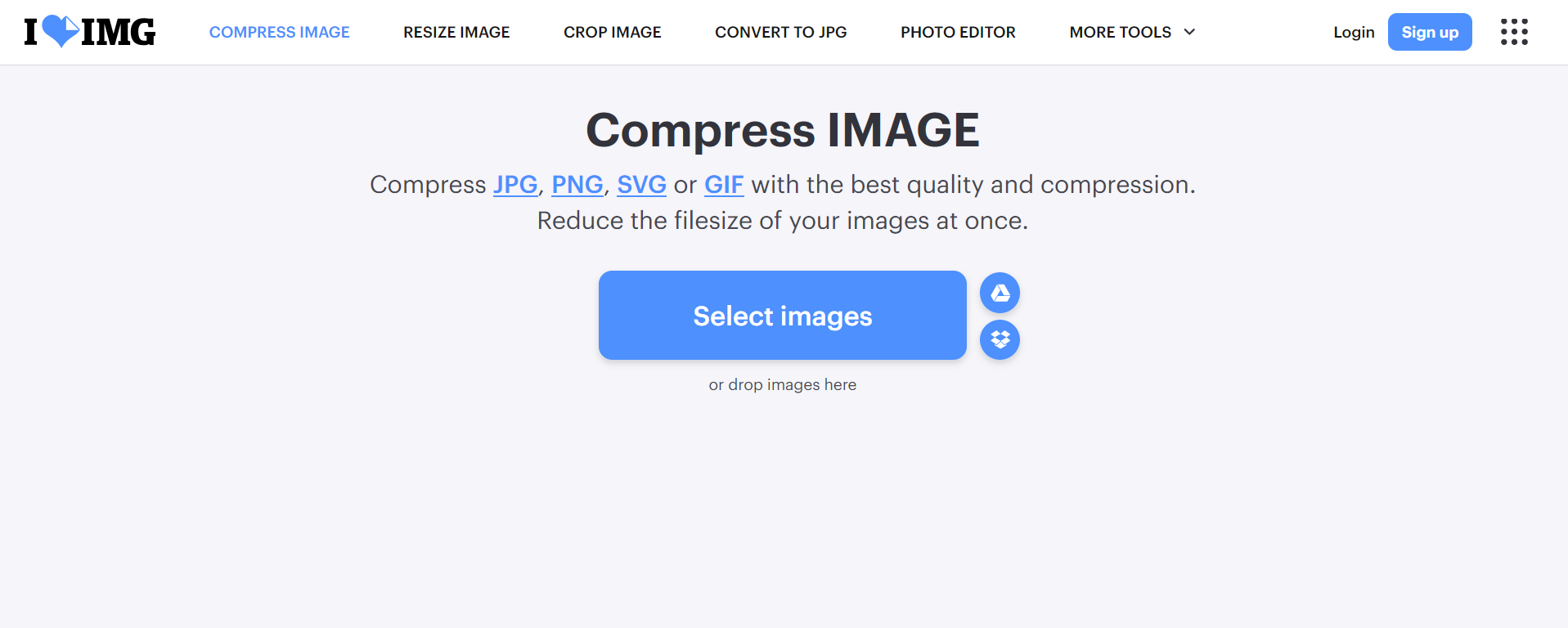
iLoveIMG offers both compression and resizing tools for JPG, PNG, SVG, and GIF files. Users can define custom height and width values, crop images, and apply bulk processing.
This tool is helpful for website owners who need more control over image dimensions before uploading to WordPress or other CMS platforms. The interface is clean and beginner-friendly, and it supports batch processing for improved efficiency.
5) ImageResizer
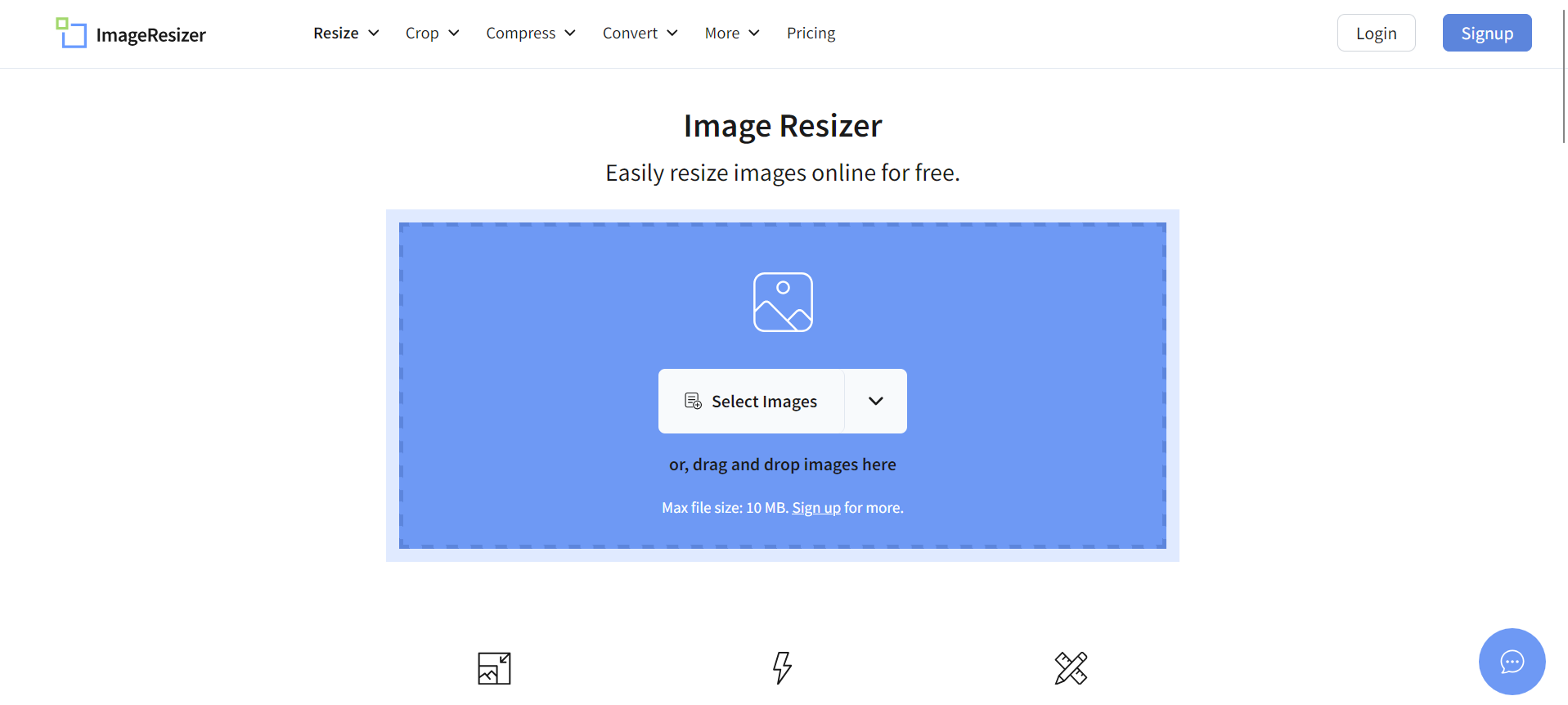
ImageResizer provides multiple image editing features, including resizing, compressing, cropping, and format conversion. The maximum file size allowed is 10MB, and users can upload up to five images at a time in the free version.
This platform is suitable for quick adjustments when preparing images for blog posts, social media graphics, or product listings. Its straightforward interface makes it easy to apply basic edits without advanced technical knowledge.
Why Image Optimization Matters
Optimizing images helps reduce page size, improve website speed, and enhance user experience. Faster websites tend to keep visitors engaged longer and may perform better in search engine rankings. According to industry research, even a one-second delay in page load time can affect user satisfaction and conversions.
Using reliable compression and resizing tools ensures that images remain visually appealing while loading efficiently. Choosing the right tool depends on your file format, batch size requirements, and desired level of control.
Conclusion
Image optimization is a simple yet powerful step in improving website performance. Large, uncompressed images can slow down pages and reduce user engagement, but free online tools make it easy to fix this issue without advanced skills.
Whether you need bulk resizing, smart compression, format-specific tools, or quick editing features, the platforms listed above offer practical solutions. By selecting the tool that matches your needs, you can maintain image quality, enhance website speed, and provide a better browsing experience for your visitors.