
This blog explains how to add a simple rotating image animation to your WordPress custom or child theme. By creating a basic HTML structure and applying CSS keyframe animations, you can make any image spin smoothly on your site. The tutorial is beginner‑friendly, uses lightweight code, and follows best practices for theme customization. It’s a safe, creative way to enhance user engagement without affecting site performance
Step1: Create html structure
Syntax:

  <div class="box" >

    <img src="image url" alt="Rotating Image">

  </div>
Note: You can add any image want to rotate and class name is also user defined
Example:
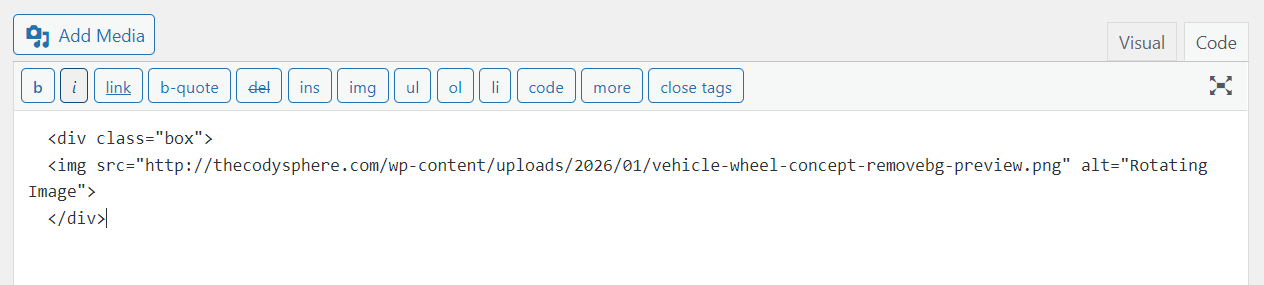
Step2: Add Your Css
.box img{animation: rotatetire 6s linear infinite;transition:0.6s ease;width:200px}

@keyframes rotatetire {

  0% {

    transform: rotate(0deg);

  }

  100% {

    transform: rotate(359deg);

  }

}

@-webkit-rotatetire {

  0% {

    transform: rotate(0deg);

  }

  100% {

    transform: rotate(359deg);

  }

}